How to Make a Personal Birthday Card at Home
A store-bought card does the job, but a card you made yourself tells the person you spent a little time thinking about them. It doesn't have to be fancy. Some of the most treasured cards are a single photo, a few kind sentences, and a folded piece of good paper.
This guide covers the whole process in plain steps: choosing a size and layout, matching the design to the person, writing the message, picking a photo that prints well, and deciding between a printed card and a digital one. You'll also find practical printing tips so your first attempt comes out looking the way you pictured it.
Choose a Size and Layout First
Decide on the format before you think about colors or pictures. The size affects how much text fits, what kind of photo works, and whether the card will fit in an envelope you already own.
A folded card made from a letter-size sheet cut in half is the easiest option for home printing. It folds to roughly 5.5 by 8.5 inches and fits standard greeting card envelopes. A flat postcard-style card is simpler still, and it works well when the photo is the main feature. For a digital card, a square or vertical shape looks best on a phone screen.
- Folded card: front design, message inside, room for a longer note
- Flat card: one strong image with a short message on the back or below
- Square digital card: ideal for messaging apps and social posts
- Vertical digital card: fills a phone screen nicely when opened full size
Pick a Design That Suits the Person
The best design reflects the person receiving it, not the latest trend. Think about their taste. Someone who wears neutral colors and likes tidy spaces will probably enjoy a clean layout with plenty of white space. A child or a friend with a bright personality might love bold colors and playful lettering.
Limit yourself to two or three colors and one or two fonts. That restraint is what makes homemade cards look polished. If you use a decorative script for the name, keep the rest of the text in a simple, readable font. Leave margins around the edges so nothing feels crowded.
Small personal touches go a long way. A color you know is their favorite, a doodle of something they love, or a pattern that matches a hobby can make the card feel made for them rather than for anyone.
Write a Message That Sounds Like You
The words matter more than the design. A short, sincere message with one specific detail will be remembered long after the colors are forgotten. Mention a moment you shared this year or something you admire about them, then add a warm wish for the year ahead.
Keep the front of the card short: a name and a simple greeting usually look best. Put the longer message inside or below the image. If you are handwriting it, draft it on scrap paper first so you know it fits.
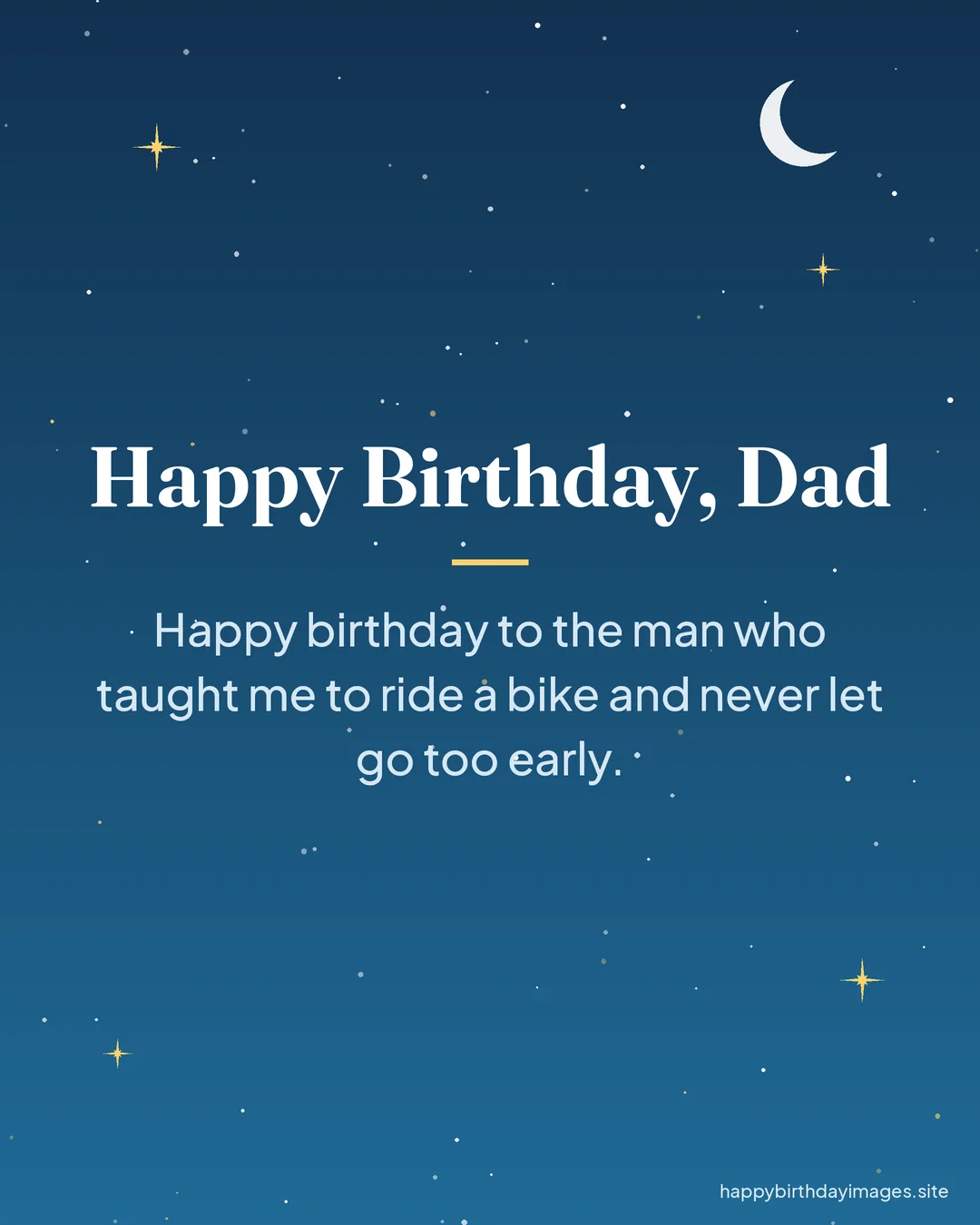
ExampleHappy birthday, Dad. Thank you for teaching me to fix my own bike tire, even though it took four tries. I hope this year brings you plenty of quiet mornings in the garden.
Choose a Photo That Works on a Card
A photo can turn a nice card into a keepsake, but not every picture prints well. Look for one with good natural light, a sharp focus on faces, and a background that isn't too busy. Photos taken near a window or outdoors in soft daylight usually look best.
Pay attention to where the faces sit in the frame. Pictures with faces in the upper half tend to work better, because the lower part of a card is often where the greeting or name goes. If the faces are low in the shot, your text may end up covering someone's chin.
Check the resolution, too. A photo that looks fine on your phone can turn blurry when printed larger. If possible, use the original file rather than a copy saved from a chat app, since those are often compressed.
- Faces in the upper half of the frame
- Soft, even light with no harsh shadows across eyes
- Simple background without too much clutter
- Original, full-size file rather than a compressed copy
- A moment that means something to both of you
Digital or Printed: Which Should You Make?
Both have their place. A printed card is something the person can hold, display on a shelf, and keep in a drawer for years. It works especially well for parents, grandparents, and anyone who enjoys physical mementos.
A digital card is faster, free to send, and perfect when you live far apart or the birthday sneaks up on you. It also lets you reach someone instantly on the morning of their birthday. Many people make both: a digital version sent first thing in the morning and a printed copy handed over at dinner.
If you want to put a design together quickly, our free card maker at /birthday-card-maker/ lets you add a photo, a headline, and a message in your browser, then download the result as an image you can print or send.
Printing Tips for Home
Home printing can give very good results if you prepare a little. Paper choice makes the biggest difference. Regular printer paper feels thin and flimsy when folded, so use a heavier card stock. Something around 65 to 110 lb cover stock is a good range for most home printers, but check your printer's manual for the heaviest paper it accepts.
Always print a test on plain paper first. This shows you whether the text is centered, whether the fold lands in the right spot, and whether the colors look as expected. Colors on paper usually come out a little darker than on a screen, so a slightly brighter design often prints better.
- Use card stock rather than standard printer paper
- Print a test copy on plain paper before using the good sheets
- Leave a border of at least a quarter inch, since many printers can't print to the edge
- Set print quality to high or best in the print settings
- Let the ink dry for a few minutes before folding
- Score the fold line with a ruler and the back of a butter knife for a crisp edge
Sending a Digital Card the Right Way
When you send a card digitally, a few small choices help it look its best. Save it as a high-quality image, and send it as a file or photo rather than a screenshot of a screenshot. Check that the text is readable on a small phone screen by opening it on your own phone first.
Add a short personal note with the image. A card sent with no words around it can feel a bit abrupt. One or two lines in the message itself, such as a reminder of a plan you have together, makes the card feel like part of a real conversation.
Timing is worth a thought too. Sending in the morning, in the recipient's time zone, means the card arrives before the day gets busy and sets a warm tone.
Frequently asked questions
What paper is best for making a birthday card at home?
Card stock is the best choice because it holds a fold and feels sturdy. A matte finish is easy to write on with a pen, while a glossy finish makes photos look richer. Check which weights your printer can handle before buying.
How do I keep my photo from looking blurry when printed?
Use the original photo file instead of one saved from a chat or social app, and avoid enlarging small images. If the picture looks soft when you zoom in on your screen, it will look soft on paper too.
Is a digital birthday card as thoughtful as a printed one?
It can be. What makes a card thoughtful is the personal message and the effort behind it, not the format. Adding a photo you chose carefully and a few sincere lines makes a digital card feel just as personal.
How long does it take to make a birthday card?
A simple digital card can take fifteen to twenty minutes. A printed card usually takes a bit longer once you include a test print, drying time, and folding, so give yourself about an hour the first time.